Can you measure ring size on your phone screen?
How on-screen ring sizers work, why they need calibrating, and when a phone camera is the better choice.
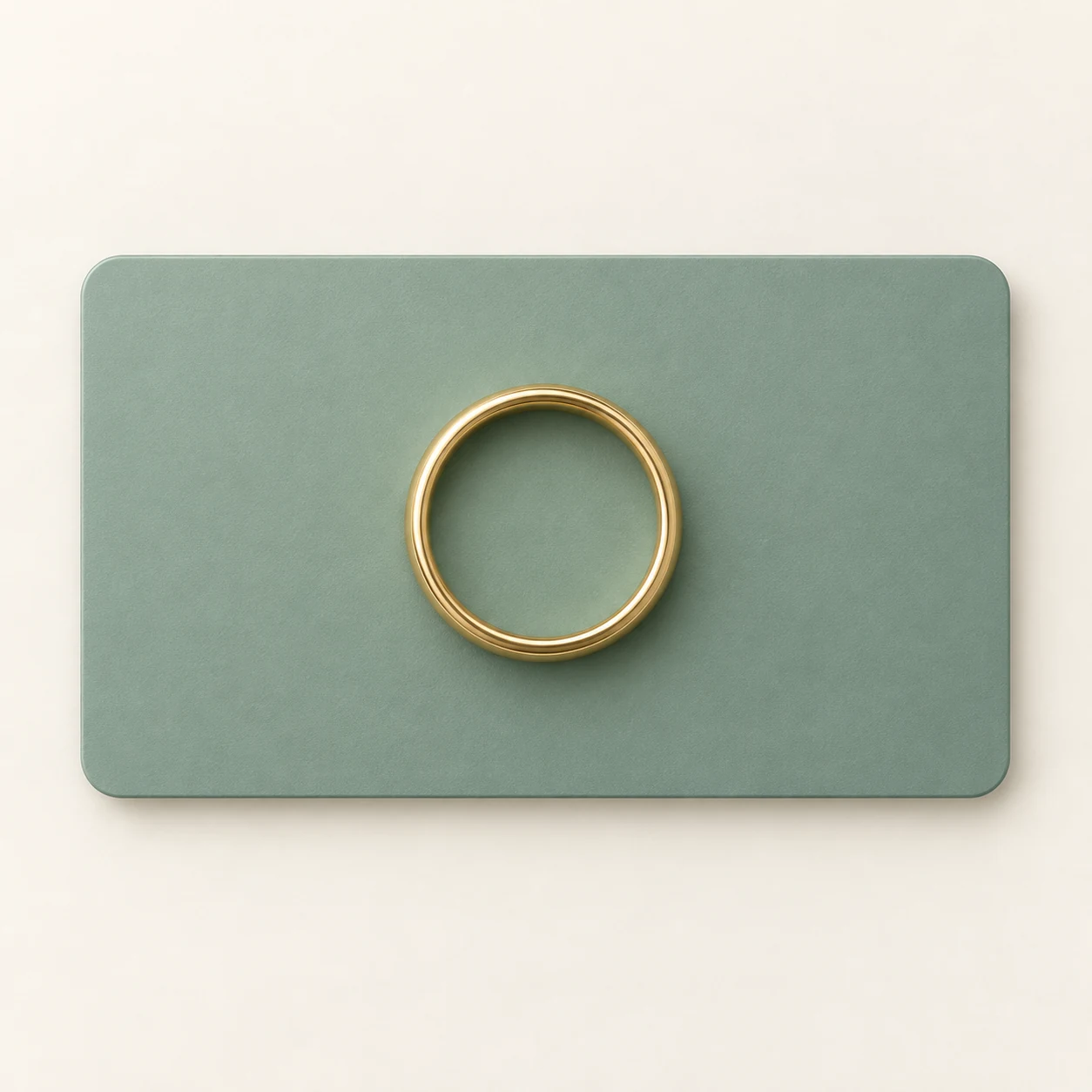
Yes, if you already own a ring that fits. On-screen ring sizers show a circle that you resize until it matches the inside of your ring. They are quick, but only accurate if the screen is calibrated first. This guide explains how they work, where they go wrong, and how they compare with measuring through the camera.
How on-screen ring sizers work
You place a ring flat on the screen and adjust a circle until its edge lines up with the ring's inner edge. The app or website converts the circle's diameter into a ring size.
The hard part is turning pixels into millimeters. Phones differ in screen size and pixel density, and a web page can't reliably read your screen's physical size. Without that information, a 17 mm circle on one phone can be visibly larger or smaller on another.
Calibrate first
Good on-screen sizers ask you to calibrate:
- Hold a standard-sized card (85.60 × 53.98 mm, the size of a bank card) against the screen.
- Drag an outline until it matches the card's edges.
- The tool now knows how many pixels make up a millimeter on your screen.
Skip calibration and the result can easily be off by a size or more. Recalibrate if you switch devices, or if you've changed your phone's display zoom or text size settings.
Common mistakes
- Matching the outer edge. Ring size is based on the inside of the band. Line the circle up with the inner edge, where your finger goes.
- Looking at an angle. Look straight down at the screen. Viewing from the side shifts the apparent edge.
- Thick or decorated bands. A wide band or a stone setting can make the inner edge hard to see against the screen.
- Pressing on the screen. Some sizers move the circle when you touch near it. Use the on-screen controls rather than your finger under the ring.
Phone screen or phone camera?
| On-screen sizer | Camera with a card | |
|---|---|---|
| Needs a ring you own | Yes | No: can estimate from a finger |
| Calibration | Card held to the screen | Card in the photo |
| Works for a finger | No | Yes, as an estimate |
| Easy to check afterwards | Only while the ring is on the screen | Yes, from the saved photo |
The camera approach uses the same card for scale, but places it next to the ring in a photo. Because the card and the ring sit on the same surface, the app can correct for slight tilt in that plane, and you can zoom into the photo to check the edges. It also works when you don't have a ring, by estimating from your finger.
Our app, Ring Sizer, uses the camera method on iPhone and Android, with every detected edge shown for you to check.
Which should you trust?
Both methods give an estimate. A calibrated on-screen sizer and a careful camera photo can each get you close with a well-fitting ring. Neither replaces a physical ring sizer or your jeweler for an important purchase.
For the clearest result:
- Measure a ring that fits the intended finger comfortably.
- Take more than one measurement.
- If results land between two sizes, wide bands usually need the larger one.